Running a restaurant smoothly means juggling many tasks at once. From managing orders to handling payments, every step needs to be efficient and reliable. That’s where restaurant POS systems come in. These tools are designed to simplify operations, boost customer satisfaction, and help your business grow. Today, I want to share the top features of restaurant POS systems that can make a real difference for your local eatery.
Why Restaurant POS Systems Are Essential
If you’re running a small restaurant or café, you know how hectic things can get during peak hours. A good restaurant POS system is more than just a cash register. It’s a powerful tool that helps you manage orders, track inventory, and analyze sales data. With the right system, you can reduce errors, speed up service, and keep your customers happy.
For example, many systems offer table management features. This means you can see which tables are occupied, which orders are pending, and even assign servers to specific tables. This kind of organization helps your staff work smarter, not harder.
Another important aspect is inventory tracking. A POS system can alert you when ingredients are running low, so you never run out of key items during busy times. This saves money and prevents disappointing your guests.
Key Features to Look for in Restaurant POS Systems
When choosing a POS system, it’s important to focus on features that fit your specific needs. Here are some must-have features that can transform your restaurant’s daily operations:
1. Easy Order Management
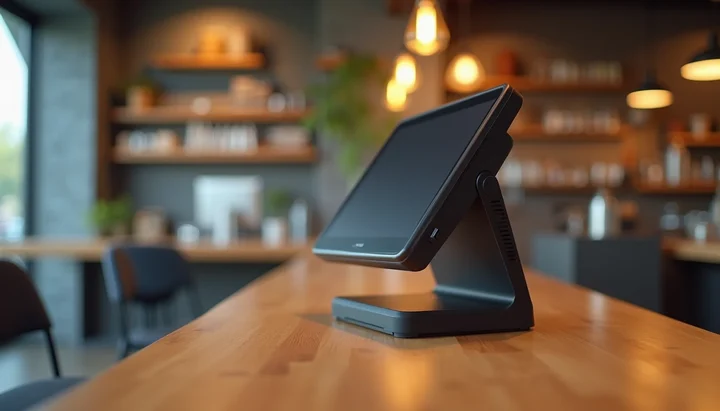
Your POS should allow servers to quickly enter orders, customize dishes, and send them directly to the kitchen. This reduces mistakes and speeds up service. Look for systems with touchscreen interfaces and intuitive menus.
2. Payment Processing Flexibility
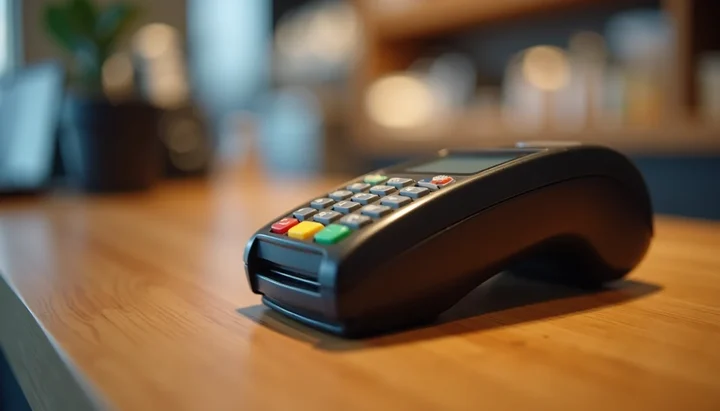
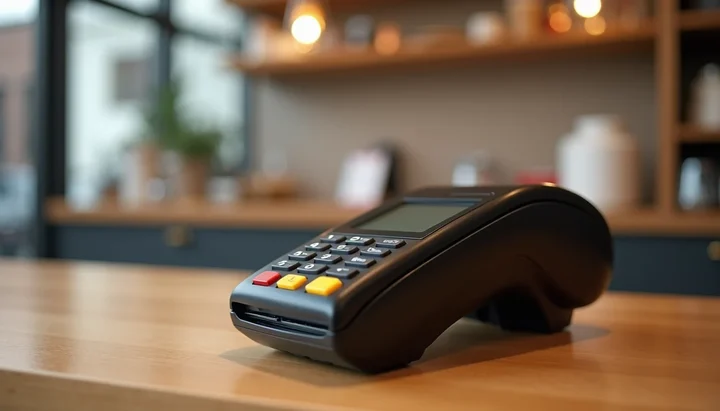
Customers expect to pay in different ways - cash, credit cards, mobile wallets, or even contactless payments. A good POS system supports multiple payment options and integrates with popular payment processors. This flexibility makes checkout smooth and fast.
3. Reporting and Analytics
Understanding your sales trends is key to making smart business decisions. Your POS should provide detailed reports on sales, popular menu items, peak hours, and employee performance. These insights help you optimize staffing and menu offerings.
4. Employee Management
Managing shifts, tracking hours, and monitoring performance can be a headache. Many restaurant POS systems include employee management tools that simplify scheduling and payroll.
5. Customer Relationship Management (CRM)
Building customer loyalty is easier when you know your guests’ preferences. Some POS systems offer CRM features that store customer data, track visit frequency, and even support loyalty programs or promotions.
6. Integration with Other Tools
Your POS should work well with other software you use, like accounting programs, online ordering platforms, or delivery services. Integration saves time and reduces manual data entry.
- Menu Management: Quick updates for daily specials or seasonal items.
- Mobile Ordering and Payments: Cater to on-the-go customers.
The Case for Custom POS Systems with Local Support
For restaurant owners seeking a more tailored solution, custom POS systems offer significant advantages. These systems can be designed specifically to meet the unique needs of a restaurant, ensuring that all operational aspects are covered efficiently.
Benefits of Custom POS Systems
- Tailored Features: Custom systems can include only the features that the restaurant needs, avoiding unnecessary complexity.
- Scalability: As the restaurant grows, the POS system can be adjusted to accommodate new requirements.
- Local Support: Working with a local advisor ensures quick response times for support and maintenance, minimizing downtime.
- Training and Onboarding: Local advisors can provide personalized training for staff, ensuring they are comfortable with the system.
Comparison with Popular Systems
While Square and Toast offer certain features, they may not provide the level of customization that a restaurant requires. Custom POS systems can be designed from the ground up, focusing on the specific workflows and processes of the establishment. This can lead to:
- Increased efficiency
- Better customer service
- Greater control over operational costs
Choosing the right POS system is crucial for the success of a restaurant. While popular systems like Square and Toast have their merits, custom POS solutions with local support provide a more tailored approach that can adapt and grow with the business. Collaborating with a local advisor ensures that restaurant owners receive personalized service, quick setup, and ongoing support, making it a compelling choice for those looking to enhance their operations.
How POS Systems Help Local Restaurants Grow
For small restaurants in Colorado Springs and nearby communities, investing in a modern POS system can be a game-changer. Here’s how:
- Save Time: Automate routine tasks like order entry and payment processing. This frees up your staff to focus on customer service.
- Reduce Errors: Digital orders mean fewer mistakes compared to handwritten tickets.
- Increase Revenue: Use sales data to identify best-sellers and promote them. Loyalty programs encourage repeat visits.
- Improve Customer Experience: Faster service and flexible payment options keep guests happy.
- Stay Organized: Manage inventory and staff schedules all in one place.
If you want to compare options, see the POS systems and terminals on our Devices page.
Choosing the Right POS System for Your Restaurant
Picking the right POS system can feel overwhelming, but it doesn’t have to be. Here are some tips to guide your decision:
- Assess Your Needs: Think about your restaurant size, menu complexity, and peak hours.
- Set a Budget: POS systems vary in price. Consider upfront costs and monthly fees.
- Hardware Compatibility: Some POS systems come with their own hardware, while others work on tablets or existing devices. Choose what fits your budget and space.
- Pricing and Contracts: Understand the pricing structure. Some systems charge monthly fees, others take a percentage of sales. Avoid long-term contracts if you want flexibility.
- Test the System: Many providers offer demos or free trials. Use these to see if the system feels intuitive.
- Check Support: Reliable customer service is crucial, especially during busy times.
- Look for Scalability: Choose a system that can grow with your business.
For example, if you run a small café, you might prioritize a simple, affordable system with mobile ordering. A full-service restaurant might need a more robust system with table management and kitchen display features.
By taking these steps, you’ll find a POS system that fits your workflow and helps your restaurant thrive.
How to Implement a New POS System Successfully
Switching to a new POS system can feel overwhelming, but with the right approach, it’s manageable. Here’s a simple plan to help you get started:
- Train Your Team: Schedule training sessions to get everyone comfortable.
- Test Run: Use the system during a slow period to iron out issues.
- Go Live: Launch the system fully and monitor performance closely.
- Gather Feedback: Ask staff and customers for input to make improvements.
Investing in a modern restaurant POS system is one of the smartest moves you can make. It streamlines operations, enhances customer satisfaction, and provides valuable insights to grow your business. Whether you’re just starting out or looking to upgrade, the right POS system will be your trusted partner every step of the way.